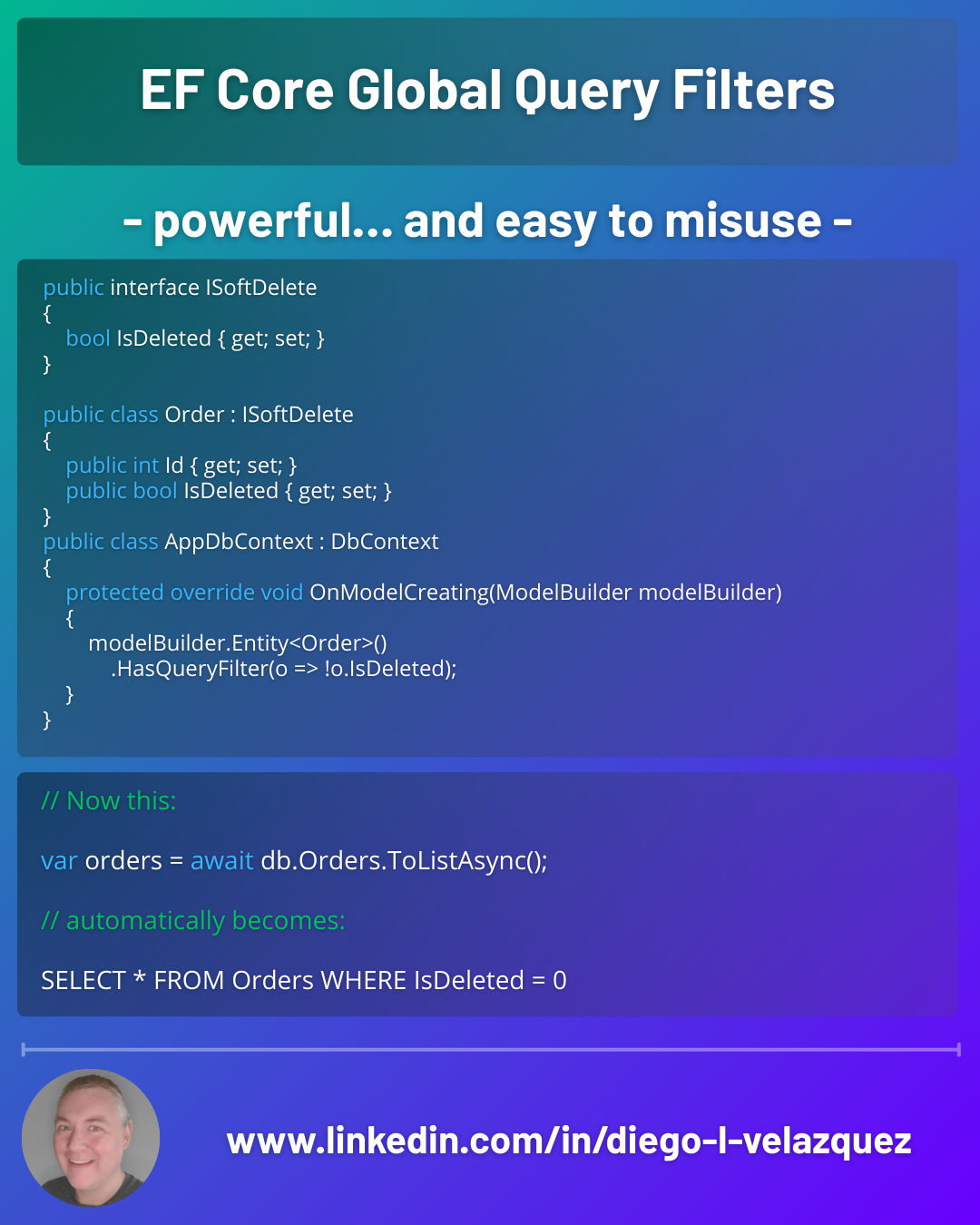
🔎 EF Core Global Query Filters — powerful… and easy to misuse
If your app has soft deletes, multi-tenancy, or “only active records” rules, you’ll end up repeating the same Where(...) everywhere.
EF Core’s Global Query Filters let you define that rule once, at the model level — and EF applies it automatically to every query.
✅ Typical use cases
- 🗑️ Soft delete (IsDeleted)
- 🧑🤝🧑 Multi-tenant filtering (TenantId)
- ✅ Active/valid records (IsActive, ValidUntil, etc.)
1) Soft delete with a global filter
public interface ISoftDelete
{
    bool IsDeleted { get; set; }
}

public class Order : ISoftDelete
{
    public int Id { get; set; }
    public bool IsDeleted { get; set; }
}
public class AppDbContext : DbContext
{
    protected override void OnModelCreating(ModelBuilder modelBuilder)
    {
        modelBuilder.Entity<Order>()
            .HasQueryFilter(o => !o.IsDeleted);
    }
}
Now this:
var orders = await db.Orders.ToListAsync();
automatically becomes:
SELECT ... FROM Orders WHERE IsDeleted = 0
2) Multi-tenancy (dynamic per request)
Key idea: the filter can reference DbContext properties.
public class AppDbContext : DbContext
{
    public Guid TenantId { get; }

    public AppDbContext(DbContextOptions options, ITenantProvider tenant)
        : base(options)
        => TenantId = tenant.TenantId;

    protected override void OnModelCreating(ModelBuilder modelBuilder)
    {
        modelBuilder.Entity<Order>()
            .HasQueryFilter(o => o.TenantId == TenantId);
    }
}
Every query is now tenant-safe by default.
3) When you need to bypass filters
Admin screens, audits, data repair jobs…
var allOrders = await db.Orders
    .IgnoreQueryFilters()
    .ToListAsync();
⚠️ Pitfalls you will hit
1) Filters apply to navigations too
If you include related data, EF applies filters there as well.
var customers = await db.Customers
    .Include(c => c.Orders) // Orders will also be filtered
    .ToListAsync();
This is usually correct… until you’re debugging “missing rows”.
2) Be careful with required relationships
If Order is filtered out, it can affect relationship materialization and results in surprising ways. Sometimes changing required ↔ optional or adjusting your query is needed.
3) Don’t use non-deterministic stuff
Avoid DateTime.Now directly inside the filter (translation + caching issues). Prefer a context property:
public DateTime UtcNow => _clock.UtcNow;
modelBuilder.Entity<Token>()
    .HasQueryFilter(t => t.ExpiresAt > UtcNow);
🧠 Rule of thumb
Global filters are for business invariants — rules that should apply almost always.
If you frequently need exceptions, keep it explicit in queries instead.