🚀 EF Core 10 (.NET 10): Deleting records with real lambdas (conditional logic) in ExecuteDelete/ExecuteUpdate
One of the nicest productivity upgrades in EF Core 10 (running on .NET 10) is that your bulk operations (ExecuteUpdate / ExecuteDelete) can be written with regular C# lambdas, including conditional logic — so you can express “if/else” style rules inline without falling back to ugly expression building.
That means: fewer if blocks outside the query, less duplicated code, and more readable bulk operations.
✅ Why this matters for deletes
Bulk deletes are usually simple… until they aren’t.
You often need rules like:
- Delete only soft-deleted rows older than X days
- Delete “inactive” users, but keep admins
- Delete old audit logs, unless they’re linked to incidents
- Delete per tenant, and apply environment-specific conditions
With EF Core 10, you can keep this logic in one place and still execute it as a single SQL command.
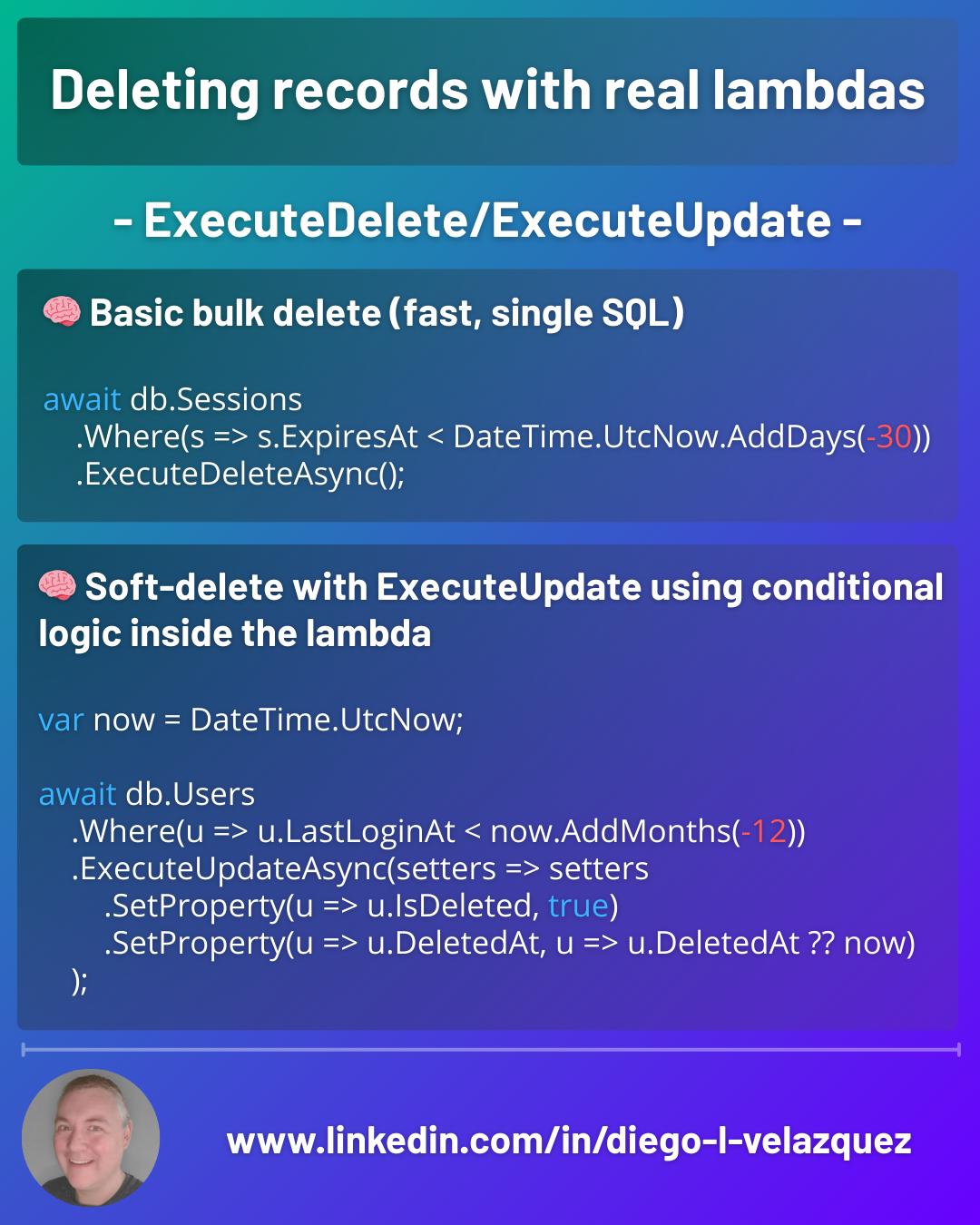
1) Basic bulk delete (fast, single SQL)
// Delete all sessions expired for more than 30 days
await db.Sessions
    .Where(s => s.ExpiresAt < DateTime.UtcNow.AddDays(-30))
    .ExecuteDeleteAsync();
✅ No tracking
✅ No loading entities
✅ One round-trip
✅ One SQL DELETE ... WHERE ...
2) Conditional delete rules (dynamic conditions, still clean)
When your “delete policy” changes based on runtime flags (environment, feature toggles, request input), you can build the predicate conditionally without rewriting the whole query:
var hardDelete = options.Value.HardDeleteEnabled;
var cutoff = DateTime.UtcNow.AddDays(-30);

var query = db.Sessions.Where(s => s.ExpiresAt < cutoff);

if (!hardDelete)
{
    // soft-delete only: keep records, just mark them (see ExecuteUpdate below)
    // (we won’t ExecuteDelete in this branch)
}
else
{
    await query.ExecuteDeleteAsync();
}
This is still a great pattern for delete-vs-soft-delete flows.
3) Soft-delete with ExecuteUpdate using conditional logic inside the lambda ✅
Here’s where EF Core 10 shines: you can express conditional update logic inside the update lambda.
Example: if a record is already soft-deleted, don’t update the timestamp again; otherwise set it now.
var now = DateTime.UtcNow;

await db.Users
    .Where(u => u.LastLoginAt < now.AddMonths(-12))
    .ExecuteUpdateAsync(setters => setters
        .SetProperty(u => u.IsDeleted, true)
        .SetProperty(u => u.DeletedAt, u => u.DeletedAt ?? now)
    );
That u => u.DeletedAt ?? now is a “regular lambda” style rule: if null then set, else keep.
4) “Delete” policy in one place: mark + anonymize (conditional setters)
Sometimes you shouldn’t physically delete—especially for compliance. Instead, you can bulk-update with conditional rules:
var now = DateTime.UtcNow;

await db.Customers
    .Where(c => c.IsDeleted)
    .ExecuteUpdateAsync(setters => setters
        .SetProperty(c => c.Email, c => c.Email == null ? null : "deleted@redacted.local")
        .SetProperty(c => c.Name,  c => c.Name == null  ? null : "[deleted]")
        .SetProperty(c => c.PiiRedactedAt, c => c.PiiRedactedAt ?? now)
    );
✅ One SQL UPDATE
✅ No entity materialization
✅ Clear business intent
5) Physical delete + safety guardrails (recommended)
Bulk delete is powerful—and dangerous. Add guardrails:
✅ Always scope:
- tenant / customer / partition
- time window
- status flags
✅ Prefer previews:
var count = await db.Logs
    .Where(l => l.CreatedAt < DateTime.UtcNow.AddDays(-90))
    .CountAsync();
✅ Consider batching if the table is huge (avoid lock storms).
⚠️ When NOT to use ExecuteDelete
Skip it if you need:
- domain events per entity
- validation per entity
- complex cascade rules handled in code
- auditing “who deleted what” at entity level
In those cases, load entities and delete normally.
Takeaway
With EF Core 10 + .NET 10, bulk operations got a lot more expressive:
ExecuteDeletefor fast physical deletesExecuteUpdatefor soft deletes and cleanup- conditional logic in lambdas makes bulk operations feel like normal C# again