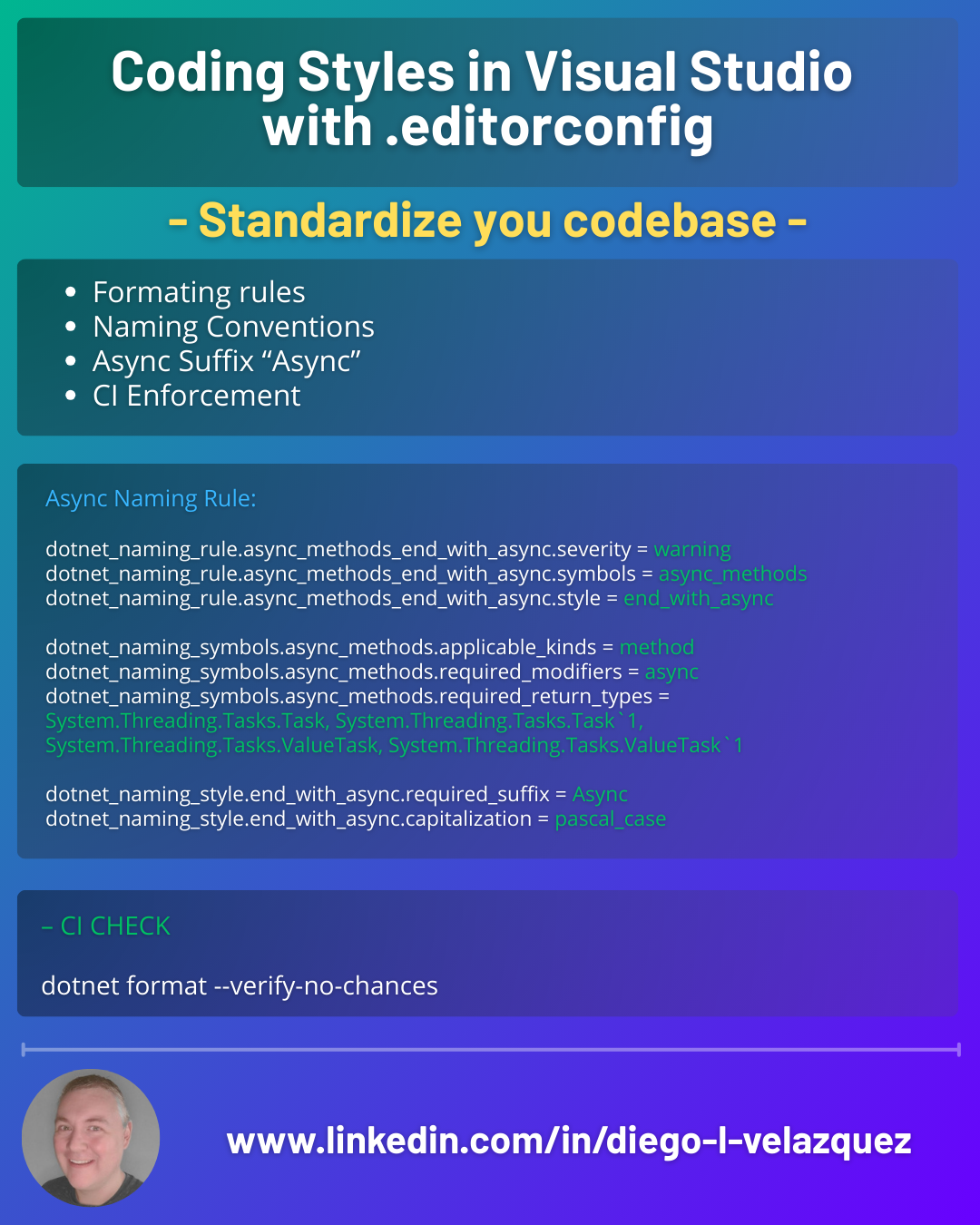
Coding Styles in Visual Studio with .editorconfig (including async naming)
Coding style debates are endless… until you put them in code.
With EditorConfig, you can standardize formatting + C# style rules across:
- Visual Studio / Rider / VS Code
- every developer machine
- CI builds
- your whole repo
Result: fewer PR comments, fewer formatting diffs, more consistent code.
What is .editorconfig?
.editorconfig is a plain text file that defines coding conventions per folder/file pattern.
Visual Studio reads it automatically and can:
- format code accordingly
- show suggestions/warnings/errors in the editor
- auto-fix many issues (Code Cleanup / Fix All)
Put it at the repo root:
/.editorconfig
/src/...
Create it in Visual Studio (fast)
- Right click your project/solution
- Add > New Item
- Search for EditorConfig
- Choose:
- .editorconfig file (default)
- or .editorconfig for .NET (comes with common C# rules)
Tip: VS can also generate it from current settings.
A solid “starter” .editorconfig for C# teams
This is a pragmatic baseline: consistent formatting + readable style + a few high-signal rules.
root = true

# Apply to all files
[*]
charset = utf-8
end_of_line = crlf
insert_final_newline = true
trim_trailing_whitespace = true
indent_style = space
indent_size = 4

# C# files
[*.cs]
# --- Formatting ---
csharp_new_line_before_open_brace = all
csharp_indent_case_contents = true
csharp_indent_switch_labels = true

# --- "var" preferences ---
csharp_style_var_for_built_in_types = true:suggestion
csharp_style_var_when_type_is_apparent = true:suggestion
csharp_style_var_elsewhere = false:suggestion

# --- Modern C# ---
csharp_style_expression_bodied_methods = when_on_single_line:suggestion
csharp_style_prefer_switch_expression = true:suggestion
csharp_style_prefer_pattern_matching = true:suggestion

# --- Using directives ---
dotnet_sort_system_directives_first = true
dotnet_separate_import_directive_groups = true

# --- Qualification ---
dotnet_style_qualification_for_field = false:suggestion
dotnet_style_qualification_for_property = false:suggestion
dotnet_style_qualification_for_method = false:suggestion
dotnet_style_qualification_for_event = false:suggestion

# --- Braces ---
csharp_prefer_braces = true:warning

# --- Unused / unnecessary ---
dotnet_style_readonly_field = true:suggestion
dotnet_diagnostic.IDE0005.severity = warning   # Remove unnecessary usings
The 3 levels of enforcement: suggestion vs warning vs error
You can decide how strict your team is:
:suggestion→ hints (great for gradual adoption):warning→ visible and actionable (best default for teams):error→ enforce in CI for “must comply” rules
Example:
csharp_prefer_braces = true:warning
Enforce async naming: every async method ends with Async
A convention that saves real time:
SaveAsync(),GetUserAsync()✅Save(),GetUser()(but returnsTask) ❌
This makes APIs predictable and avoids “surprise async” at call sites.
.editorconfig naming rule (async suffix)
This rule targets methods that:
- are marked
async - return
Task,Task<T>,ValueTask, orValueTask<T> - and must end in
Async
# Enforce: async methods must end with "Async"
dotnet_naming_rule.async_methods_end_with_async.severity = warning
dotnet_naming_rule.async_methods_end_with_async.symbols = async_methods
dotnet_naming_rule.async_methods_end_with_async.style = end_with_async

dotnet_naming_symbols.async_methods.applicable_kinds = method
dotnet_naming_symbols.async_methods.applicable_accessibilities = public, internal, protected, private
dotnet_naming_symbols.async_methods.required_modifiers = async
dotnet_naming_symbols.async_methods.required_return_types = System.Threading.Tasks.Task, System.Threading.Tasks.Task`1, System.Threading.Tasks.ValueTask, System.Threading.Tasks.ValueTask`1

dotnet_naming_style.end_with_async.required_suffix = Async
dotnet_naming_style.end_with_async.capitalization = pascal_case
✅ Allowed:
public async Task SaveAsync() { }
public async ValueTask<int> ComputeAsync() => 42;
❌ Warns:
public async Task Save() { }
private async Task<int> Compute() => 42;
Note: this enforces by signature (
async+ task-like return). If you also want to enforceAsyncfor methods that returnTaskbut aren’t markedasync(wrappers), you can add a second rule.
Naming rules: one more example (private fields)
Naming rules scale well because they remove subjective reviews.
dotnet_naming_rule.private_fields_should_be_camel_with_underscore.severity = suggestion
dotnet_naming_rule.private_fields_should_be_camel_with_underscore.symbols = private_fields
dotnet_naming_rule.private_fields_should_be_camel_with_underscore.style = camel_underscore

dotnet_naming_symbols.private_fields.applicable_kinds = field
dotnet_naming_symbols.private_fields.applicable_accessibilities = private

dotnet_naming_style.camel_underscore.required_prefix = _
dotnet_naming_style.camel_underscore.capitalization = camel_case
Make it enforceable in CI
Formatting and style don’t “stick” unless CI checks them.
Recommended approach:
- keep severities in
.editorconfig - run formatting in CI
dotnet format --verify-no-changes
This fails the build if someone committed changes that should have been formatted/fixed.
Visual Studio workflow your team will actually use
- Code Cleanup profiles
In Visual Studio:
- Tools > Options > Text Editor > Code Cleanup
- Create a profile: remove usings, apply formatting, apply code-style fixes
Then devs run:
- Ctrl+K, Ctrl+E (format document)
- Code Cleanup (profile)
- Fix All
When a rule triggers:
- lightbulb → Fix all occurrences (document/project/solution)
Perfect for gradually adopting stricter rules.
Safe rules to start with (low drama, high value)
✅ great first wave:
- remove unused usings
- require braces
- whitespace/newline consistency
- sort/group usings
readonlyfields suggestions- async suffix naming
⏳ later:
- strict
varrules - expression-bodied preference
- big naming conventions across the whole repo (can create huge diffs)
Wrap-up
EditorConfig turns “style preferences” into repeatable engineering.
Your repo becomes consistent, PRs become cleaner, and formatting stops being a human problem.