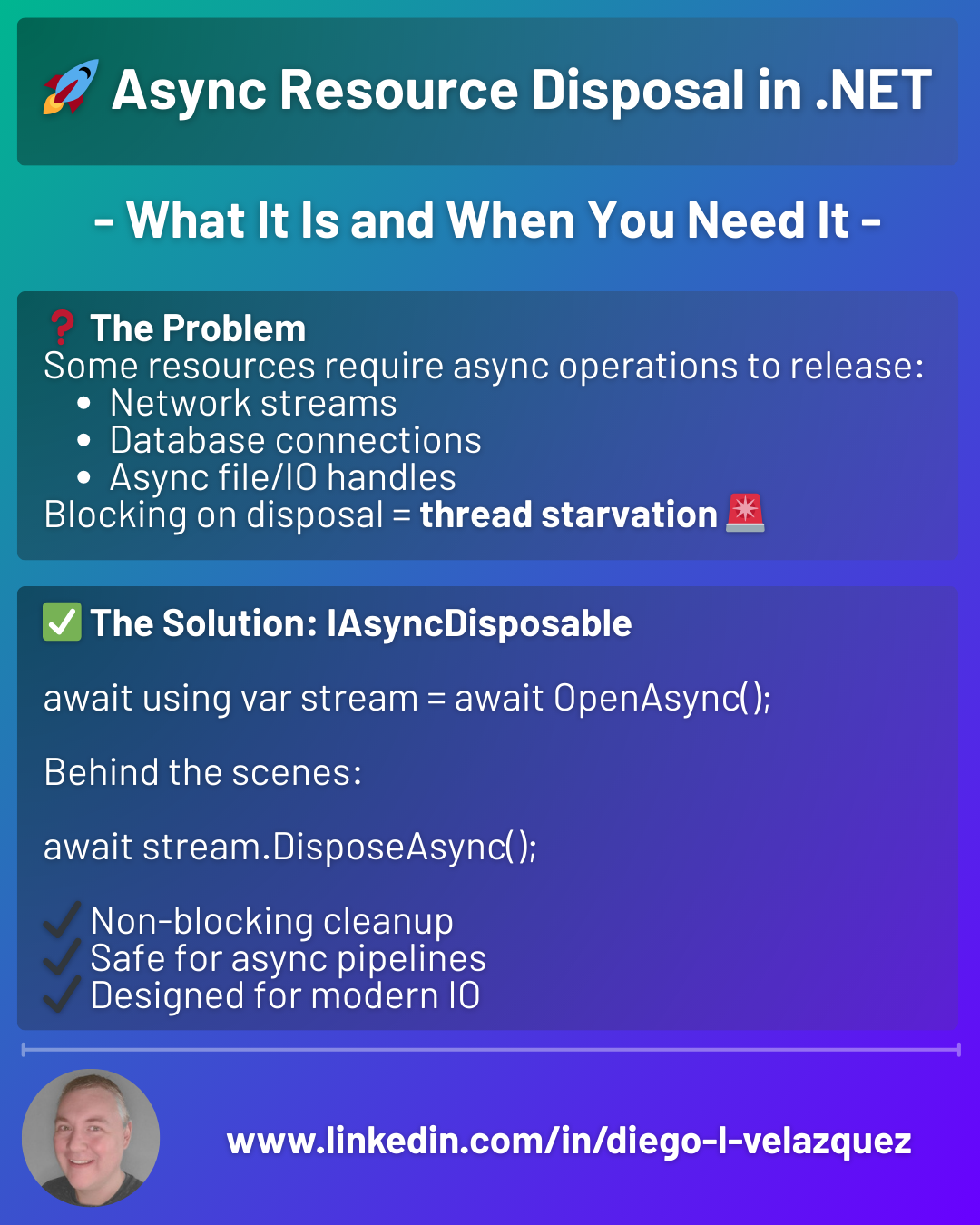
🚀 Async Resource Disposal in .NET — What It Is and When You Need It
Async code doesn’t stop at execution.
Resources also need async cleanup.
That’s why .NET introduced IAsyncDisposable.
❓ The Problem
Some resources require async operations to release:
- Network streams
- Database connections
- Async file/IO handles
Blocking on disposal = thread starvation 🚨
✅ The Solution: IAsyncDisposable
await using var stream = await OpenAsync();
Behind the scenes:
await stream.DisposeAsync();
✔ Non-blocking cleanup
✔ Safe for async pipelines
✔ Designed for modern IO
🔍 IDisposable vs IAsyncDisposable
IDisposable
- Synchronous cleanup
- Fine for memory-only resources
IAsyncDisposable
- Asynchronous cleanup
- Required for IO / network / async work
🧠 When Should You Use It?
Use IAsyncDisposable when:
- Cleanup involves
await - You’re releasing IO-bound resources
- Blocking threads would hurt scalability
Stick with IDisposable when:
- Cleanup is fast & in-memory
- No async work is needed
⚠️ Common Mistakes
❌ Calling .Dispose() on async resources
❌ Forgetting await using
❌ Blocking with .GetAwaiter().GetResult()
❌ Mixing sync & async disposal incorrectly
🎯 Rule of Thumb
If acquiring the resource is async, disposing it probably should be too.
Async execution deserves async cleanup.
#dotnet #csharp #async #performance #backend #softwareengineering